Excel and CSV translation: preserve formulas, IDs and table structure
A field-level workflow for translating spreadsheets without corrupting formulas, identifiers, CSV quoting or row mappings.
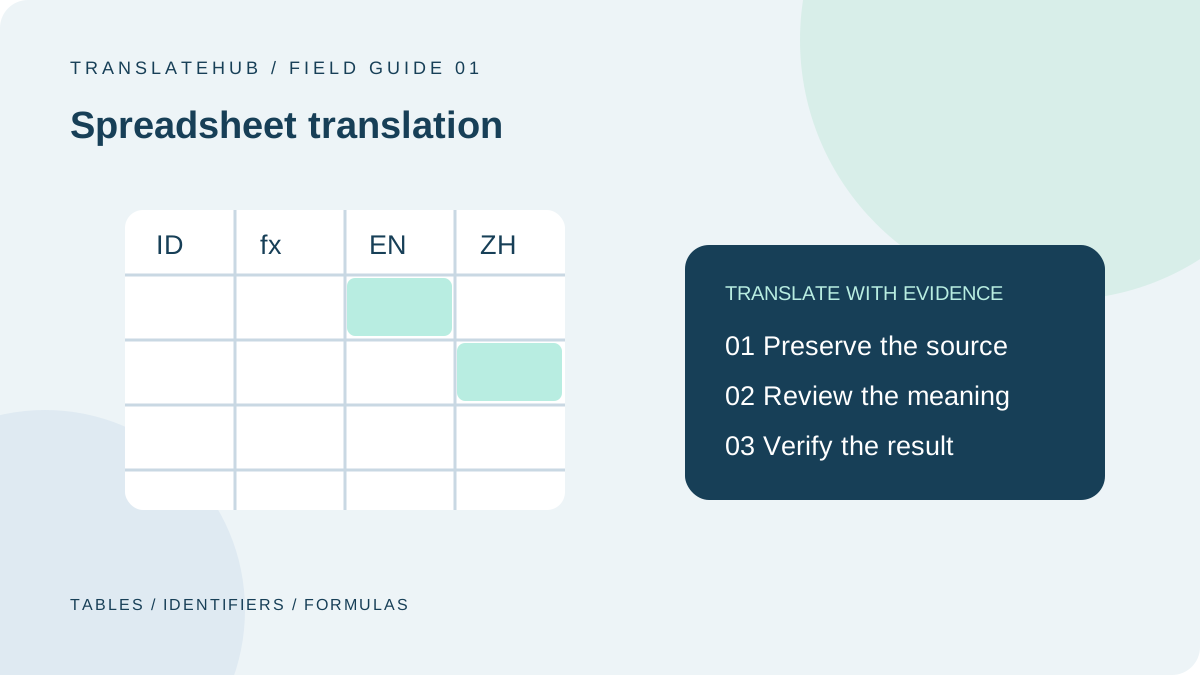
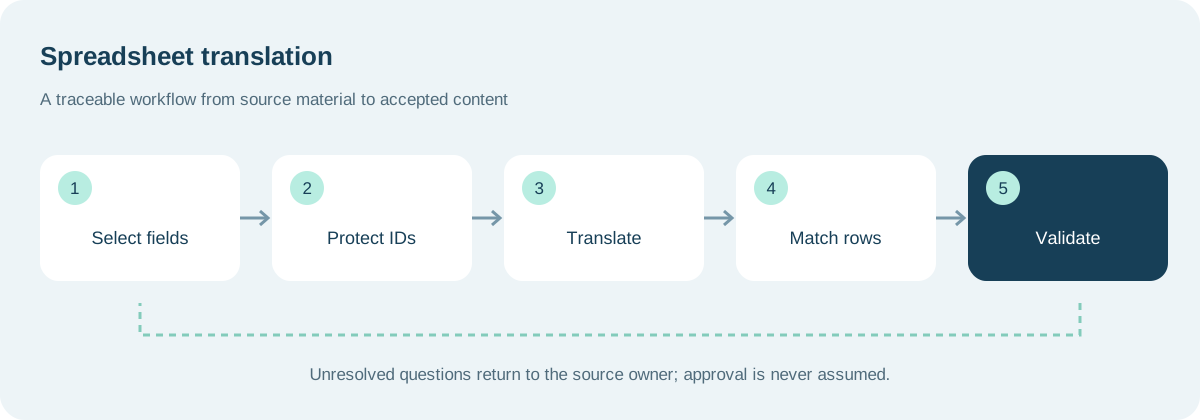
A spreadsheet translation can sound excellent and still be unusable. A product identifier loses its leading zeros, a translated description lands on the wrong row, or a formula is replaced by plain text. The reliable approach is to define which fields may change, connect every translation to a stable record, and validate the data structure separately from the language.
This guide describes an application-side workflow for product catalogs and internal instruction tables. The example fields and processing states are design suggestions, not claims that TranslateHub provides workbook upload, formula parsing or automatic spreadsheet reconstruction.
1. Decide whether the deliverable is a workbook or a CSV
A workbook and a CSV serve different purposes. A workbook can contain sheets, formulas, formatting and other features, while a text export is not a complete backup. Microsoft’s text import and export guidance warns about unsupported features and notes that text export saves the current worksheet.
Keep the original workbook unchanged. Create a working copy or a dedicated exchange table for translation. Deliver a workbook when reviewers need its structure; deliver a CSV only when a downstream application expects an agreed set of text fields. Opening a file successfully does not prove that it still satisfies either requirement.
Before work begins, identify who will import the result and which application they will use. Ask for a small accepted sample file. That sample is more useful than an informal instruction to make the output “Excel compatible,” because it makes the actual columns, delimiters and data types visible.
2. Use a field allowlist instead of translating everything
Classify fields before sending text to a translation service. Product names and instructions are likely candidates. Identifiers, formulas, URLs and internal status codes generally remain unchanged. A mixed field, such as a measurement with explanatory prose, needs a more deliberate rule.
| Example field | Suggested treatment | Acceptance check |
|---|---|---|
product_name | Translate in product context | Brand and model preserved |
usage_note | Translate complete instructions | Negation, steps and units preserved |
sku | Do not translate | Exact string equality |
price | Exclude from language processing | Value and currency unchanged |
formula | Do not overwrite | Expression unchanged |
Store these decisions in project configuration. When someone adds or renames a column, review the mapping before the next batch. A script that silently falls back to column position can corrupt a dataset even when every individual translation is correct.
3. Give every translation a stable identity
A row number is useful for finding content on screen, but it is a poor permanent identifier. Sorting, filtering and inserting rows can change its meaning. Use a combination such as record_id, field_name and target_locale, together with a source revision or content hash.
For example, P-001 / usage_note / en identifies one English instruction regardless of the product’s current row. On reinsertion, locate the record and field rather than trusting response order. Verify that the source revision still matches. A translation of yesterday’s wording must not overwrite a field that someone updated this morning.
Treat missing and duplicate identifiers as blocking errors. Automatically choosing the first matching row makes the process appear resilient while hiding an unresolved mapping problem. Return the affected records for correction and keep successful records separate from rejected ones.
4. Separate source, target and review status
A useful exchange table includes source_zh, target_en, context, status and review_note. Protect the source column from casual edits. Let reviewers change the target and record why a correction was necessary. Use a small, documented set of states such as pending, translated, approved and needs rework.
Do not let an empty target mean three different things. “Not processed,” “intentionally untranslated” and “failed” require different next steps. An explicit status prevents unnecessary retries and helps reviewers distinguish a legitimate product code from a sentence that was accidentally omitted.
5. Protect identifiers during import as well as translation
Values such as 00127 are identifiers, not quantities. Microsoft documents that opening a CSV uses current default data-format settings; controlled import allows more deliberate column typing. Test the receiving workflow rather than assuming that a value which looks correct in one view will survive reopening.
Compare an identifier export before and after processing. Include leading zeros, long strings, mixed letters and digits, date-like values and scientific-notation-like values in the test set. A translator cannot reliably reconstruct information already lost during import. Recover it from the authoritative source instead of guessing how many zeros were present.
6. Add context to short and ambiguous cells
Short strings need more context, not less. The word “charge” might describe a billing fee or an action involving a battery. Reusing one translation for both occurrences simply because the source strings match can introduce a systematic error across an entire catalog.
A context field can specify the content type, location, audience and object being described. “Action label in battery instructions” is more actionable than “translate accurately.” Reuse a translation only when the relevant context, target locale and terminology rules agree. For a repeatable vocabulary process, see the translation glossary guide.
7. Let a CSV library handle quoting and line breaks
Do not parse arbitrary CSV with a simple split on commas. Descriptions can contain commas, quotation marks and embedded line breaks. RFC 4180 documents common quoting conventions, including the treatment of quotes inside quoted fields. A receiving system can still impose its own dialect and encoding requirements.
Use a CSV reader and writer, and agree on encoding, delimiter, newline handling and empty-value behavior. Round-trip a sample containing Chinese characters, accented letters, quotations and multiline descriptions. Check the parsed values in the receiving application, not only the appearance of the exported text in an editor.
8. Restrict reinsertion to approved text fields
A translation operation should not quietly become a data migration. Preserve prices, quantities, formulas, links and source text. Do not convert currencies or measurement values merely to make a sentence feel local. Such transformations require separate business rules, approvals and tests.
Also consider text that the receiving spreadsheet application could interpret as a formula. Follow that environment’s safe-import policy; CSV quoting alone is not a guarantee that an application will treat a field as inert text. Never evaluate cell expressions in a translation script. Test risky inputs against the actual delivery environment.
9. Run a representative pilot before scaling
Choose examples that exercise the difficult cases: empty fields, long paragraphs, repeated wording, ambiguous terms, units, quotation marks and pre-existing translations. A pilot is not just a smaller production batch. Its purpose is to expose assumptions before those assumptions affect every record.
Imagine a demonstration catalog of 300 records in which reviewers flag 12 descriptions for missing context. The next step is to enrich and review those descriptions, not to extrapolate a universal error rate. These numbers illustrate project handling; they are not measurements of a particular translation product.
Record failures by record and field, preserve successful outputs, and rerun only the work whose inputs or decisions changed. This makes recovery explainable and avoids treating the entire spreadsheet as one indivisible request.
10. Accept language and structure independently
Language review checks meaning, terminology, negation and whether a reader can follow the instruction. Structural review checks record coverage, allowed columns, identifiers, formulas and unauthorized changes. A single “passed” flag is too vague unless it points to the checks that produced it.
Import a final sample into the real destination system. Verify the record set, column count, types and displayed text. Keep the original, exchange table, approved output and exception log together. Those artifacts make the next revision easier because an editor can distinguish a changed source from an unresolved translation problem.
Frequently asked questions
Can I paste the entire sheet into an AI tool?
For a small, low-risk draft, selected text may be sufficient. Remove sensitive and irrelevant fields first. Production work still needs an explicit field scope, stable identifiers and a checked reinsertion process.
Why did leading zeros disappear?
The change may have occurred when importing or reopening the CSV, rather than during translation. Compare the raw source and configure the identifier column as text in the receiving workflow.
Should duplicate descriptions be translated only once?
Reuse is reasonable when the source, context and rules are equivalent. Identical strings used for different products or functions may require different translations. Record the basis for reuse instead of assuming equality implies interchangeability.
Does TranslateHub process workbooks directly?
This article describes a workflow around text translation. Check the API documentation for supported requests. Extraction, field protection, reinsertion and final spreadsheet validation remain separate responsibilities unless a documented integration explicitly handles them.
A successful spreadsheet translation is more than a column of foreign-language text. It is a deliverable that preserves meaning, record identity and the integrity of the surrounding business data.