Word document translation: styles, tables, footnotes and review
Translate Word documents with a controlled workflow for heading styles, tables, footnotes, revision history and final delivery.
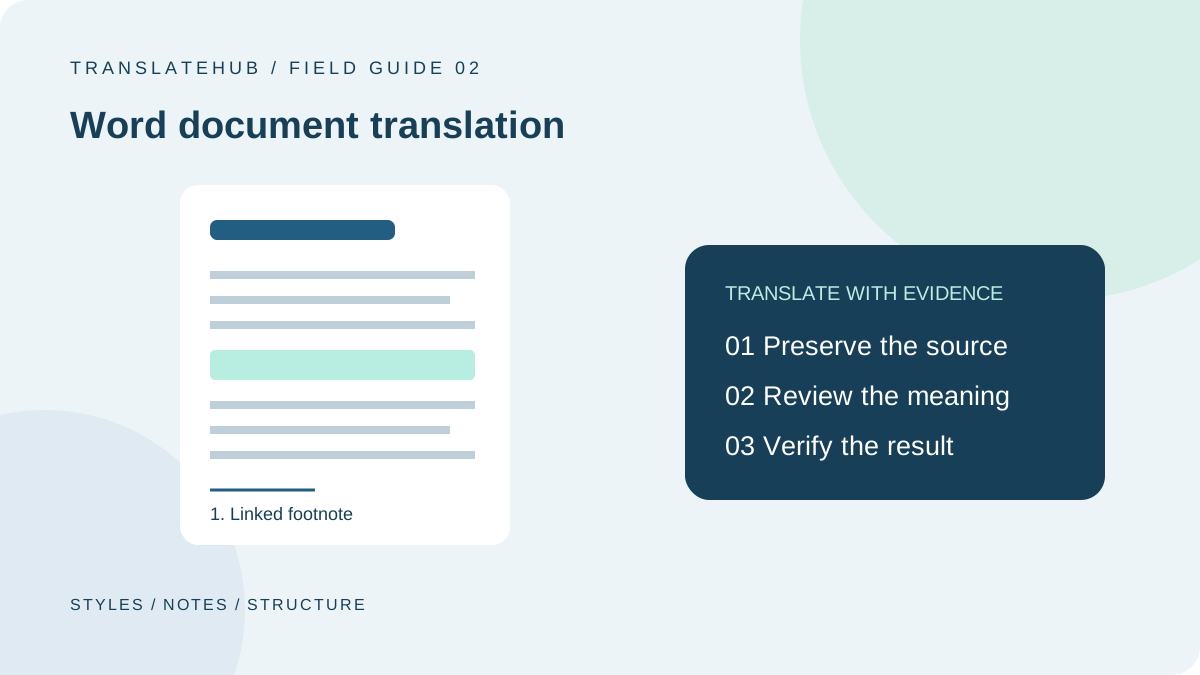
Preserving formatting in a translated Word document should not mean forcing every word into its original position. A useful translation preserves heading levels, table relationships, references, notes and reading order. Different languages take different amounts of space, so sensible repagination can be preferable to shrinking the text or deleting important qualifications.
This guide focuses on editable instruction documents. Material used for legal, medical or formal submission purposes also needs appropriate specialist review. A machine-generated draft is not evidence that such a review has occurred.
Define the deliverable before choosing a tool
A reading copy, a customer-facing publication and an editable working document have different acceptance criteria. An internal draft can display unresolved questions. A published document needs those questions resolved, with terminology, references and layout checked. A reusable source file also needs meaningful styles and numbering rather than visual approximations.
Record the source and target languages, audience, source revision, scope and owner. Page count is only a rough measure of volume. Ten pages with complex tables and footnotes can require a very different process from ten pages of continuous prose. The acceptance plan should reflect the actual objects in the document.
1. Freeze the source and resolve revision status
Keep a read-only original and create a separate translation copy. When tracked changes remain unresolved, ask the content owner which version is authoritative. Automatically accepting every change can silently choose a disputed version. Deleted wording, replacement text and comments can represent different proposals rather than one settled source.
Assign the project an explicit revision, such as guide-source-r4. If the author edits the source after translation begins, log the affected passages and handle them as changes. Otherwise, a reviewer may approve a translation against an old source while the delivery team inserts it into a newer document.
2. Inventory text outside the main body
Include the cover, headers, footers, tables, text boxes, captions, image text, footnotes, endnotes and attachment descriptions. Give each object a treatment: translate, retain, process separately or clarify. This makes a deliberate exclusion distinguishable from a failed extraction.
A trademark may remain unchanged, while explanatory labels in an image may need separate artwork. Historical comments may not belong in the deliverable at all. Do not assume that an object is unimportant simply because a tool did not extract it. Extraction coverage is itself something to test.
| Object | Main risk | Suggested check |
|---|---|---|
| Headings and contents | Lost hierarchy or outdated entries | Compare navigation and contents |
| Tables | Changed relationships or conditions | Review rows, headers and values together |
| Notes and references | Broken markers or destinations | Follow links and inspect the source |
| Headers and footers | Stale version information | Check representative sections |
| Image text | Omission from extraction | Compare artwork manually |
3. Choose whole-document translation or controlled extraction
For a straightforward file, Word’s document translation can provide a starting draft. Microsoft’s translation instructions describe opening a translated copy through the Review and Translate controls, with availability depending on the product and connected-service requirements.
For more complex files, consider extracting translatable objects with stable identifiers, translating them and reinserting the results. Test whichever method you choose on representative tables, notes and unusual layouts. Success with one ordinary paragraph does not establish that every object in the file is supported.
A useful pilot includes an object that should remain untouched. Confirming that a product code or a reference survives unchanged is as important as confirming that ordinary prose gets translated. Record unsupported objects before committing to a delivery plan.
4. Translate coherent passages, not formatting fragments
In programmatic DOCX processing, a paragraph and a formatting run are different units. Microsoft’s WordprocessingML structure documentation explains that paragraphs can contain multiple runs, each representing text with shared properties.
A sentence can therefore be divided by bold text or another formatting change. Organize translation input into understandable passages while retaining the information needed to reconstruct formatting. Translating every run independently can lose grammatical context; concatenating everything and overwriting the result can lose emphasis or reference structure.
Treat reconstruction as a separate engineering problem. Test mixed emphasis, hyperlinks and inline markers before adopting an extraction method for production. Where a tool cannot preserve a complex object safely, flag it for controlled manual handling rather than silently simplifying it.
5. Preserve heading styles and refresh the contents
A heading is not merely a large or bold paragraph. Microsoft’s table of contents guidance describes how heading styles support an automatic contents table. Preserve heading levels during translation instead of replacing them with ordinary paragraphs that only look similar.
Update the contents after the text and pagination are stable, then inspect entries, hierarchy and page references. A manually typed contents table needs separate maintenance. References such as “see section three” also require a structural check; translating the words is not enough to ensure that the destination remains correct.
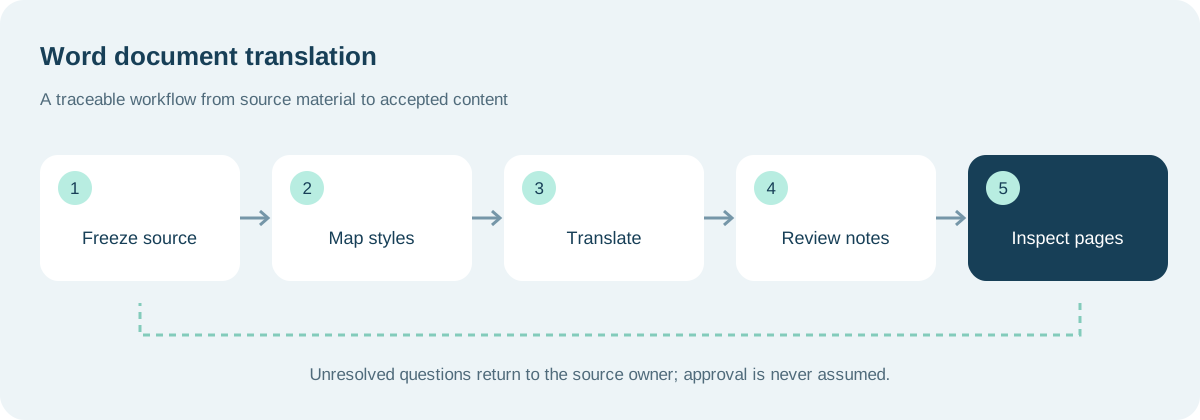
6. Review table relationships, not isolated cells
A condition may apply across several columns, and a merged heading may govern multiple rows. Read the header, cell and note together to confirm that the translation preserves the relationship. Reviewing each cell independently can miss a changed scope even when the individual sentences are fluent.
For example, a note stating that all listed items are for indoor use must not be inserted into only one product row. Check values, units, ranges and note markers separately. If a table becomes too wide, adjust layout or expression rather than deleting a limitation to make the text fit.
7. Keep terminology and uncertainty reviewable
Build a small glossary for product names, interface labels and repeated actions. For ambiguous passages, record the location, candidate interpretation, question and decision owner. A translator should not invent missing product behavior simply to keep the task moving.
Consider “the system may restart after confirmation.” Does confirmation come from a user or from an automated check? Ask the author. A draft can retain an unresolved flag, but the delivery must state how it was resolved. The glossary guide and post-editing workflow provide complementary methods.
8. Repaginate without sacrificing readability
An English translation of Chinese instructions may require more space. Inspect available width, paragraph spacing, column widths and page-break behavior before reducing font size. Shortening should remove redundancy, not conditions, exceptions or warnings. Keeping an identical page count is not a sufficient reason to make the document difficult to read.
Check that fonts cover the required characters, headings are not stranded at the bottom of pages, tables break sensibly and captions remain associated with figures. Inspect both screen reading and the intended print output when both matter. A layout that is tolerable on a monitor may be awkward in a printed handout.
9. Separate bilingual review from target-only review
In the first pass, compare source and target for meaning, terms, numbers, negation and omissions. In the second, read only the translated document to test navigation, fluency, links and visual stability. These passes answer different questions and should not substitute for one another.
Track each issue by location, type, consequence and resolution. Recheck related objects after a correction: a heading change can affect the contents, while a table edit can alter pagination. Closing an issue without reopening the corrected file leaves an avoidable gap between reported and actual completion.
10. Deliver a maintainable revision
Package the editable document with a source-revision record, any required preview and a clear unresolved-issues statement. Include language and version in file names rather than maintaining several ambiguous “final” files. Keep the review record, but remove internal discussion from external deliveries when appropriate.
For an API-based workflow, treat extraction, text translation, reinsertion and validation as separate stages. This guide does not claim that TranslateHub automatically preserves DOCX layout. Check the developer documentation for supported requests, and assign complex document handling to the application and review process.
Frequently asked questions
Does a different page count mean formatting preservation failed?
Not necessarily. Language length and layout needs differ. Check completeness, hierarchy, references and readability before insisting on matching pagination.
Can I remove all comments and tracked changes first?
Only after the owner has determined which changes and questions are authoritative. Revision history can contain unresolved decisions that affect the translation source.
Why is text inside an image still untranslated?
It may not be editable document text. It needs a separate extraction, translation and artwork process, followed by a check against the image’s intended meaning.
Should I test an automatic contents table that looks correct?
Yes. Entries, page references and destinations can change after editing. Refresh it once the content is stable and use the actual navigation to verify it.
The goal is a document that gives another language’s readers complete, navigable and editable information—not merely a file that resembles the original at first glance.